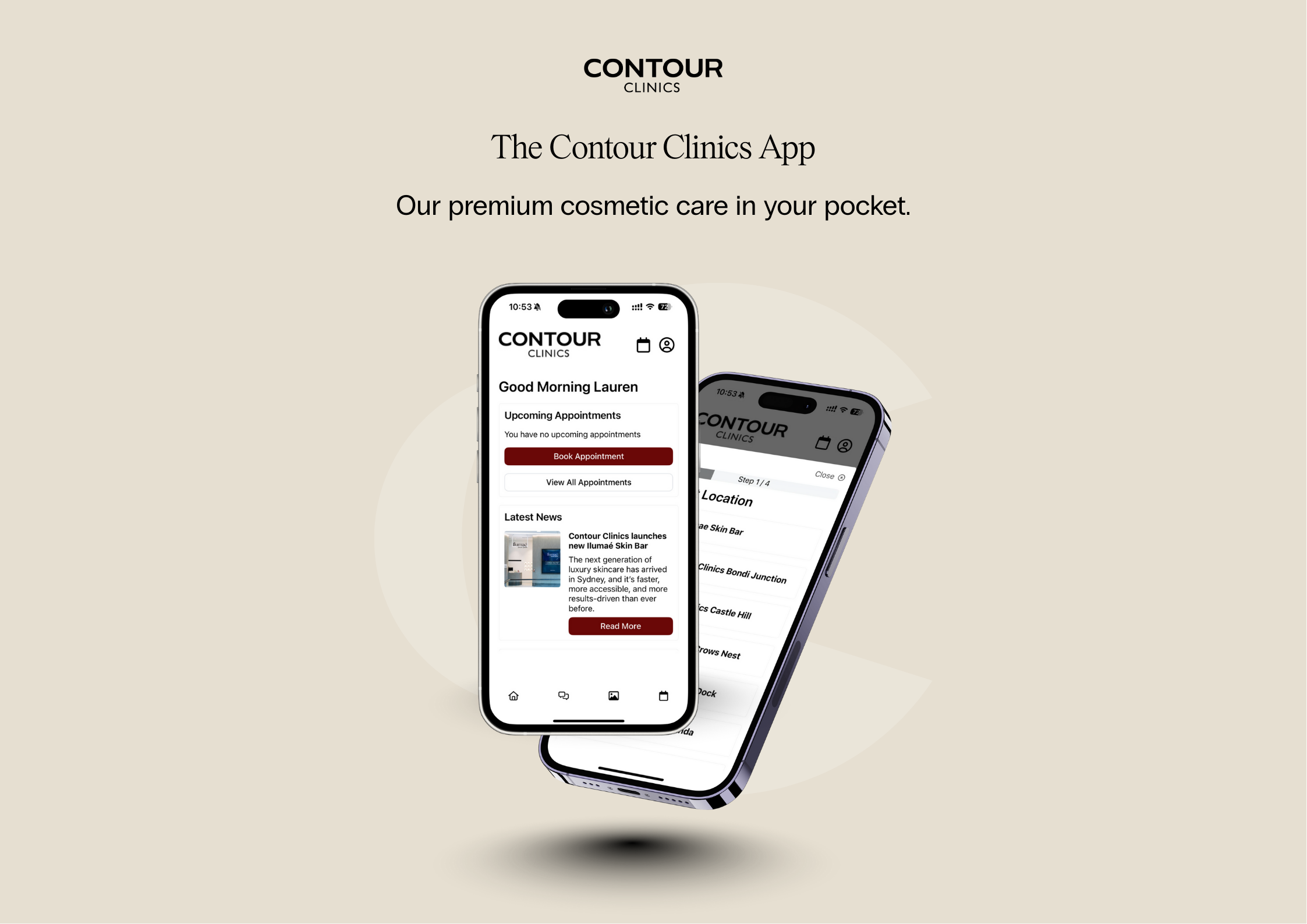
How do I download the Contour Clinics app?
You can download the app from the Apple App Store or Google Play Store by searching for “Contour Clinics”.
What can I do with the app?
The app allows you to:
-
Book, reschedule, or cancel appointments
-
View your own before and after images
-
Securely view your before and after images
- Purchase gift cards
-
Receive exclusive notifications about app-only offers, promotions and treatment updates
-
Access your appointment history and personal information
Is my personal information secure?
The app, driven by Dapple, has integrated data encryption including PCI DSS Compliance, along with enterprise-grade protections for App and API security, ensuring your data is protected and used in accordance with our privacy policy.
How does access to before and after images work?
You’ll only see before-and-after images that your practitioner has chosen to share with you via the app. These images are for your personal reference and discussion at appointments. They are stored securely and are not visible to other patients.
Will I receive reminders for my appointments?
Absolutely. The app sends push notifications to remind you of upcoming appointments and any relevant updates. Notifications for the Contour Clinics App must be enabled on your device to receive reminders.
Can I manage my memberships through the app?
At the moment, this feature is not available but will be in the future.
Do I need to be an existing patient to use the app?
No. Both new and existing patients can use the app. New patients can create an account, select a preferred clinic and book an initial consultation.
What if I need assistance using the app?
If you encounter any issues or have questions, our support team is ready to help. Use the ‘Contact Us’ feature within the app or speak with our clinic staff during your next visit.
What devices does the app support?
The Contour Clinics app is available on:
For the best experience, we recommend using the latest version of your device’s operating system.
I can’t log in – what should I do?
If you’re having trouble logging in:
-
Check that you’re using the same email address you use for Contour Clinics bookings
-
Tap “Forgot password?” in the app to reset your password
-
Check your spam or junk folder for the reset email
If you still can’t access your account, please call 1300 712 136 or speak with our reception team in-clinic
Is in-app messaging monitored in real time?
In-app messaging is for non-urgent enquiries only.
Messages are typically reviewed during clinic business hours and responded to as soon as practical, but the service is not monitored continuously and should not be used for urgent or emergency concerns.